
PNGs and video
Both commands drive a real browser, so they need Playwright, which excalideck doesn’t install for you: everything else runs without it.
npm i -D playwright && npx playwright install chromium # or install it globallyWithout it, render and record say so and exit 1. excalideck doctor tells you whether it’s available.
A PNG per slide
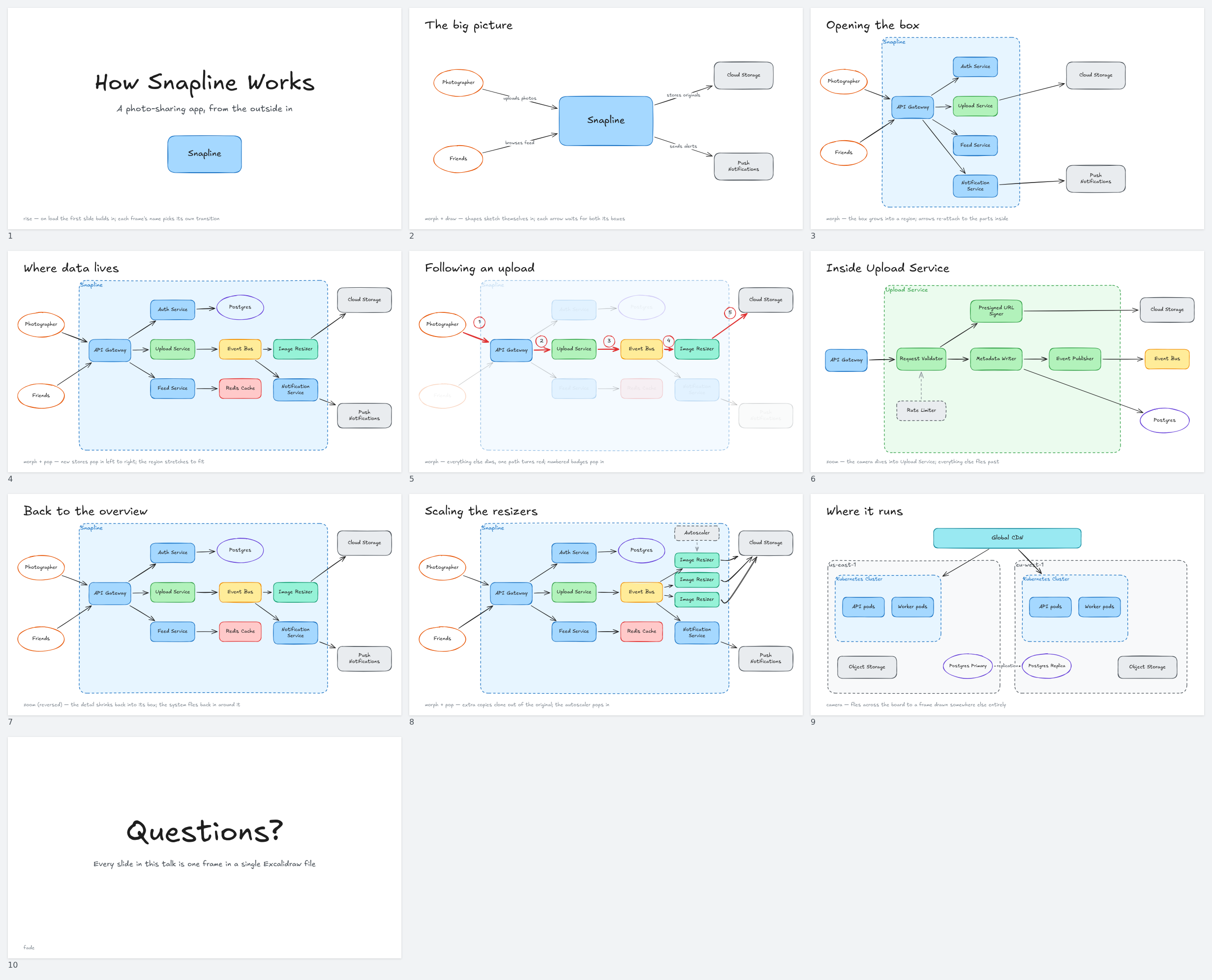
Section titled “A PNG per slide”excalideck render talk.excalidrawIt writes talk-slides/01.png, 02.png and so on, plus sheet.png with every slide on one image. The sheet is the
quickest way to look over a whole deck, and it’s what the Claude Code skill looks at to check its own work.
| Option | |
|---|---|
--out <dir> |
where to write them (default: <deck>-slides/) |
--frame <n> |
just slide n |
--scale <n> |
pixel density: 2 for sharper images (default 1, so a 1600×900 frame is 1600×900) |
A video
Section titled “A video”excalideck record talk.excalidrawIt plays the deck through in a browser, one slide at a time, and saves talk.webm. It prints the time each slide
starts, which is handy for cutting clips: the GIFs on this site were cut from a recording of the example deck.
| Option | |
|---|---|
--out <file.webm> |
where to save it (default: next to the deck) |
--width <n> |
the video’s width; the height is 16:9 from it (default 1280) |
--hold <ms> |
how long to stay on each slide once its transition ends (default 1200) |